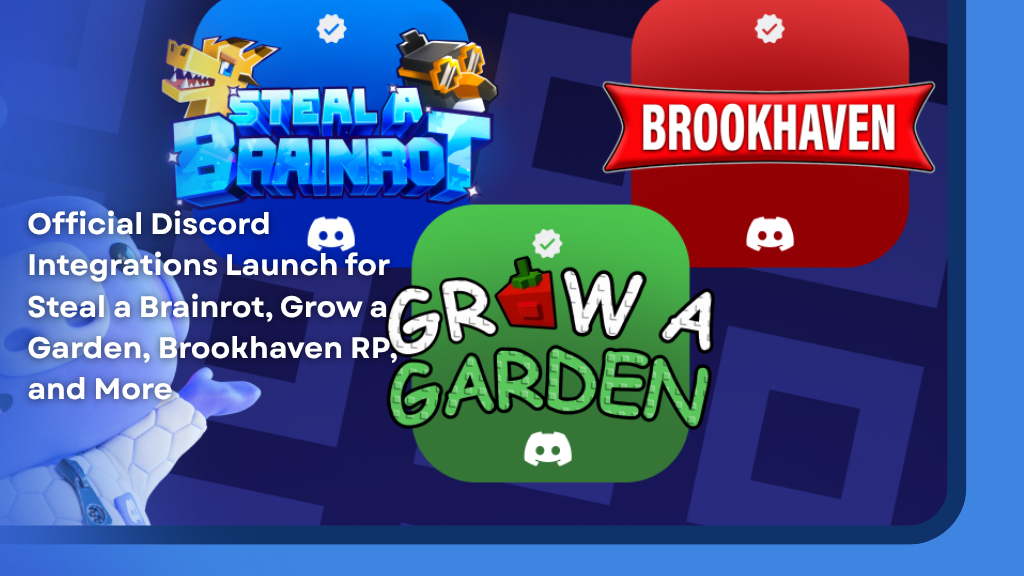
The update introduces a range of new social and safety features that make it easier for Roblox communities to connect, play together, and stay safe while using Discord. Developers can now officially link Roblox accounts with Discord accounts using native tools built directly into Discord’s platform.
The feature rollout follows Discord’s growing push into gaming communities, after already working with major companies like Riot Games and EA. Now, Roblox developers are getting access to many of the same community management tools and integrations.
Safer Official Game Servers
One of the biggest additions is improved server safety.
Developers can now require players to link their Roblox account before they can participate in official Discord servers. This helps confirm users are actual Roblox players connected to the game community.
For games like Grow a Garden, this allows developers to keep conversations limited to verified players while also reducing spam, impersonation, and unwanted users. Developers can even sync moderation systems, meaning players banned in-game can also be removed from the Discord server automatically.
The system also improves privacy, since direct messages and community interactions become more connected to verified players who actually play the game.
Rich Presence Finally Comes to Roblox Games
Before this integration, Discord users playing Roblox would simply show the status “Playing Roblox.”
Now, supported games can display detailed Rich Presence information directly on Discord. This means friends can see exactly what Roblox game someone is playing, along with extra details developers choose to show.
For example, Brookhaven RP can now display player locations, activities, and other in-game information directly inside Discord for linked users who enable sharing settings.
This gives Roblox games far more visibility across Discord and helps players discover what their friends are doing instantly.
Easy Game Invites
Another major feature is native Game Invites.
Players can now invite friends directly through Discord and instantly join sessions together. This is especially useful for social games like Grow a Garden, where cooperative gameplay and sharing resources are a major part of the experience.
Instead of manually joining servers or searching for friends, Discord users can jump into games with a single click.
Players Stay in Control
Discord says players remain fully in control of their privacy settings.
Rich Presence and social features only activate if players both link their Roblox account and authorize the specific game. Players can also disable activity sharing at any time through Discord’s privacy settings.
This gives users more transparency compared to older third-party linking systems that Roblox communities have relied on for years.
Supported Games at Launch
The official Discord integrations are now available for several major Roblox experiences, including:
- Grow a Garden by The Garden Game
- Steal a Brainrot by DoBig
- Brookhaven RP by Voldex
- Driving Empire by Voldex
- NFL Universe Football by Voldex
- Car Dealership Tycoon by Gamefam
- FIFA Super Soccer by Gamefam
- How to Train Your Dragon by Sawhorse
- Dragon Soul by Dragon Soul Team
- Untitled Boxing Game by UBG Team
What This Means for Roblox
This integration is another major sign of Roblox games evolving into full-scale online communities rather than just standalone experiences.
Many Roblox games already run massive Discord servers for events, updates, giveaways, feedback, and live announcements. Features like Rich Presence, verified linking, and instant invites help strengthen those communities while making them safer and easier to manage.
As Roblox continues growing, official Discord integrations could become a standard feature for many large experiences moving forward.